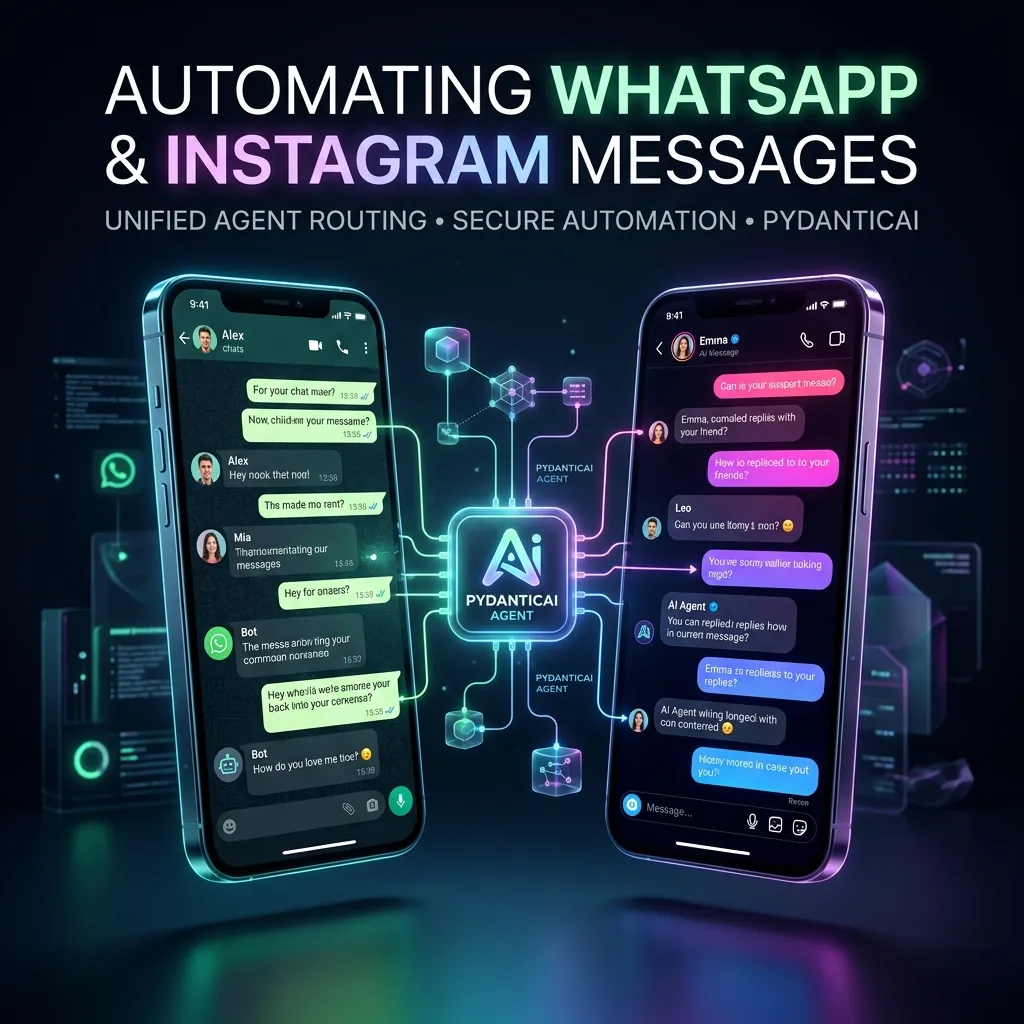
Customer support and lead qualification have shifted heavily toward social messaging channels. In May 2026, B2B and B2C brands alike are looking to automate their chats on WhatsApp Business and Instagram Direct Messages.
However, standard automated chat solutions (like ManyChat or rigid decision trees) are incredibly frustrating for users. If a customer types a slightly complex question or changes the subject mid-flow, these bots break, default to “Sorry, I didn’t understand that,” or loop endlessly.
To provide a premium customer experience, you must build an Autonomous Chat Agent Router.
In this guide, we will build a production-grade, unified WhatsApp and Instagram messaging responder. Using PydanticAI to manage conversation state and structured API payloads, and Google Gemini to handle natural language understanding, we will create a type-safe chat system that securely queries customer profiles, checks order databases, and routes dynamic messages back to social APIs.
The Conversational Architecture
When automating multiple social messaging APIs (WhatsApp and Instagram), you should build a unified core engine. This keeps your business logic in one place while letting a platform adapter handle the slight variations in API layouts (e.g. WhatsApp’s interactive buttons vs. Instagram’s quick replies).
┌─────────────────────────────────┐
│     Platform Webhook Ingest     │
│   - WhatsApp or Instagram API   │
└────────────────┬────────────────┘
                 ▼
┌─────────────────────────────────┐
│     PydanticAI Core Agent       │
│  - Tracks customer state        │
│  - Queries order databases      │
│  - Formats type-safe response   │
└────────────────┬────────────────┘
                 ▼
┌─────────────────────────────────┐
│     Platform Adapter Layer      │
│  - Formats for WhatsApp UI      │
│  - Formats for Instagram DM     │
└─────────────────────────────────┘
- Ingestion: Your webhook catches incoming message text and identifies the sender, channel (WhatsApp or Instagram), and active user session.
- Reasoning (PydanticAI): The model receives the message along with the user’s conversational profile, executing tools to look up databases when required.
- Type-Safe Response: The agent returns a strictly typed schema object (
UnifiedChatResponse), guaranteeing the platform adapter can cleanly compile it to official API structures.
System Prerequisites
Ensure you have Python 3.10+ configured. Install the core PydanticAI, Google GenAI, and standard HTTP libraries:
pip install pydantic pydantic-ai google-genai requests
Export your Gemini API credential to your system:
export GEMINI_API_KEY="your-gemini-api-key"
1. Defining the Unified Response and Database Schema
First, we will define our type-safe communication models in schemas.py. We will structure a unified chat output capable of returning structured text paragraphs and action options:
# schemas.py
from pydantic import BaseModel, Field, EmailStr
from typing import List, Optional, Dict, Any

class ChatButtonOption(BaseModel):
    id: str = Field(description="A unique keyword ID triggered when the button is clicked (e.g., VIEW_ORDER, ASK_SUPPORT).")
    label: str = Field(description="The short text label displayed on the button (under 20 characters).")

class UnifiedChatResponse(BaseModel):
    message_text: str = Field(
        description="The primary text response returned to the customer. Highly concise, conversational, and direct."
    )
    suggested_actions: List[ChatButtonOption] = Field(
        default=[],
        description="Optional interactive quick-reply buttons (maximum of 3) to guide the customer's next steps."
    )

# Mock Enterprise Database
class CustomerDatabase:
    MOCK_LEADS = {
        "whatsapp:+15550199": {
            "name": "Sarah J.",
            "email": "sarah@techlabs.com",
            "last_order_id": "ORD-9988",
            "order_status": "SHIPPED"
        },
        "instagram:alex_dev": {
            "name": "Alex Miller",
            "email": "alex@aiviewz.com",
            "last_order_id": "ORD-1122",
            "order_status": "PROCESSING"
        }
    }

    @classmethod
    def get_profile(cls, sender_id: str) -> Optional[Dict[str, Any]]:
        return cls.MOCK_LEADS.get(sender_id)
2. Setting Up the Chat Agent with PydanticAI
Now, we will construct the PydanticAI Agent using gemini-1.5-flash for low-latency responses. We will provide our agent with tools to fetch active database records and dynamically determine customer profiles.
# chat_agent.py
import os
from dataclasses import dataclass
from pydantic_ai import Agent, RunContext
from pydantic_ai.models.gemini import GeminiModel
from schemas import UnifiedChatResponse, CustomerDatabase, ChatButtonOption

@dataclass
class ConversationSession:
    sender_id: str  # Format: 'whatsapp:<number>' or 'instagram:<username>'
    channel: str    # 'WHATSAPP' or 'INSTAGRAM'

# Initialize the Gemini Model
gemini_model = GeminiModel(
    'gemini-1.5-flash',
    api_key=os.environ.get("GEMINI_API_KEY")
)

# System prompt directing the AI on brand voice and dynamic routing
chat_prompt = """
You are a highly efficient, type-safe Conversational AI Agent for a technology brand.
You manage customer conversations directly over WhatsApp Business and Instagram DM.

Brand Voice Guidelines:
1. Tone: Warm, helpful, professional, and extremely concise. Keep text blocks short (under 3 sentences) to match mobile messaging layouts.
2. Suggested Actions: You can supply up to 3 interactive button options. Only supply buttons that make direct logical sense for their query (e.g. 'View Order Status', 'Speak to Human').
"""

# Initialize the PydanticAI Agent
chat_agent = Agent(
    model=gemini_model,
    deps_type=ConversationSession,
    result_type=UnifiedChatResponse,
    system_prompt=chat_prompt
)

# Register Database Tool
@chat_agent.tool
def get_customer_profile(ctx: RunContext[ConversationSession]) -> str:
    """
    Queries the database using the active message sender ID to fetch order histories and customer profiles.
    """
    profile = CustomerDatabase.get_profile(ctx.deps.sender_id)
    if not profile:
        return "CUSTOMER NOT FOUND: This is a new customer. Ask for their name and email politely."

    return (
        f"Customer Name: {profile['name']} | "
        f"Email: {profile['email']} | "
        f"Last Order: {profile['last_order_id']} | "
        f"Status: {profile['order_status']}"
    )
3. Formulating the Platform Adapters
With our core agent successfully returning structured UnifiedChatResponse data, let’s write the adapter layer that takes this object and compiles it into the exact format required by the WhatsApp and Instagram Graph APIs:
# adapters.py
from typing import Dict, Any
from schemas import UnifiedChatResponse

class PlatformMessageCompiler:
    @staticmethod
    def compile_whatsapp_payload(recipient_number: str, response: UnifiedChatResponse) -> Dict[str, Any]:
        """
        Compiles the unified response into the official WhatsApp Cloud API JSON structure.
        """
        # If suggested actions are present, compile to 'interactive' button format
        if response.suggested_actions:
            buttons = []
            for btn in response.suggested_actions[:3]: # WhatsApp limit is 3 buttons
                buttons.append({
                    "type": "reply",
                    "reply": {
                        "id": btn.id,
                        "title": btn.label
                    }
                })

            return {
                "messaging_product": "whatsapp",
                "recipient_type": "individual",
                "to": recipient_number,
                "type": "interactive",
                "interactive": {
                    "type": "button",
                    "body": {
                        "text": response.message_text
                    },
                    "action": {
                        "buttons": buttons
                    }
                }
            }

        # Fallback to standard text message payload
        return {
            "messaging_product": "whatsapp",
            "recipient_type": "individual",
            "to": recipient_number,
            "type": "text",
            "text": {
                "body": response.message_text
            }
        }

    @staticmethod
    def compile_instagram_payload(recipient_username: str, response: UnifiedChatResponse) -> Dict[str, Any]:
        """
        Compiles the unified response into the official Meta Instagram DM Graph API JSON structure.
        """
        payload: Dict[str, Any] = {
            "recipient": {
                "username": recipient_username
            },
            "message": {
                "text": response.message_text
            }
        }

        # If suggested actions are present, compile to Instagram Quick Replies
        if response.suggested_actions:
            quick_replies = []
            for btn in response.suggested_actions[:3]:
                quick_replies.append({
                    "content_type": "text",
                    "title": btn.label,
                    "payload": btn.id
                })
            payload["message"]["quick_replies"] = quick_replies

        return payload
4. Running the End-to-End Chat Pipeline
Now, let’s assemble the pipeline in a single execution block, testing it with both WhatsApp and Instagram incoming requests:
# main_pipeline.py
import asyncio
from chat_agent import chat_agent, ConversationSession
from adapters import PlatformMessageCompiler

async def run_incoming_chat_agent(user_message: str, session: ConversationSession):
    print(f"\n--- Webhook Ingest [Channel: {session.channel}] ---")
    print(f"From: {session.sender_id} | Message: '{user_message}'")

    # Execute PydanticAI Agent
    result = await chat_agent.run(
        user_prompt=user_message,
        deps=session
    )

    # Extract structured type-safe model data
    unified_response = result.data

    # Compile to specific platform payloads
    if session.channel == "WHATSAPP":
        clean_recipient = session.sender_id.replace("whatsapp:", "")
        api_payload = PlatformMessageCompiler.compile_whatsapp_payload(clean_recipient, unified_response)
        print("\n[Compiled WhatsApp API Payload]")
    else:
        clean_recipient = session.sender_id.replace("instagram:", "")
        api_payload = PlatformMessageCompiler.compile_instagram_payload(clean_recipient, unified_response)
        print("\n[Compiled Instagram API Payload]")

    import json
    print(json.dumps(api_payload, indent=2))
    print("-------------------------------------------------\n")

async def main():
    # Scenario A: WhatsApp customer asks about their order status
    session_a = ConversationSession(sender_id="whatsapp:+15550199", channel="WHATSAPP")
    await run_incoming_chat_agent(
        user_message="Hey! Where is my last order? Is it shipped yet?",
        session=session_a
    )

    # Scenario B: New Instagram follower reaching out to start a conversation
    session_b = ConversationSession(sender_id="instagram:alex_dev", channel="INSTAGRAM")
    await run_incoming_chat_agent(
        user_message="Hi, I just read your OCR article, wanted to check if you have a pricing catalog?",
        session=session_b
    )

if __name__ == "__main__":
    asyncio.run(main())
Building Conversational Pipelines at Scale
Relying on rigid, code-heavy chat builders leaves your customers frustrated and leads to high drop-off rates. By combining PydanticAI to manage database calls and returning strictly validated schemas with Google Gemini for lightning-fast natural language parsing, you can confidently run automated B2B customer queues over WhatsApp and Instagram without breaking conversation flows.
This architecture scales perfectly to support celery workers and database persistent chats, allowing you to easily manage customer support histories, track conversational statuses, and route dynamic text payloads natively inside your SaaS stack.
Are you building automated messaging responder agents or custom chat routes? Let’s discuss Meta webhook security, quick reply limitations, and scaling parameters in the comments below!
Get Weekly AI Architect Cost & Strategy Updates
Join 14,000+ developers receiving weekly, data-driven cost-reduction blueprints and production-ready agent guidelines.
