Building a Form-to-WhatsApp E-commerce Order Verification Loop with Pydantic AI
(Updated: )
📖 8 min read
E-commerce businesses face persistent operational leaks due to incomplete checkouts, incorrect delivery coordinates, and fake or unverified orders. While email confirmations are standard, they suffer from notoriously low open rates, often leading to delivery delays or costly returned shipments.
The most effective mitigation is an **outbound-to-inbound conversational confirmation loop**.
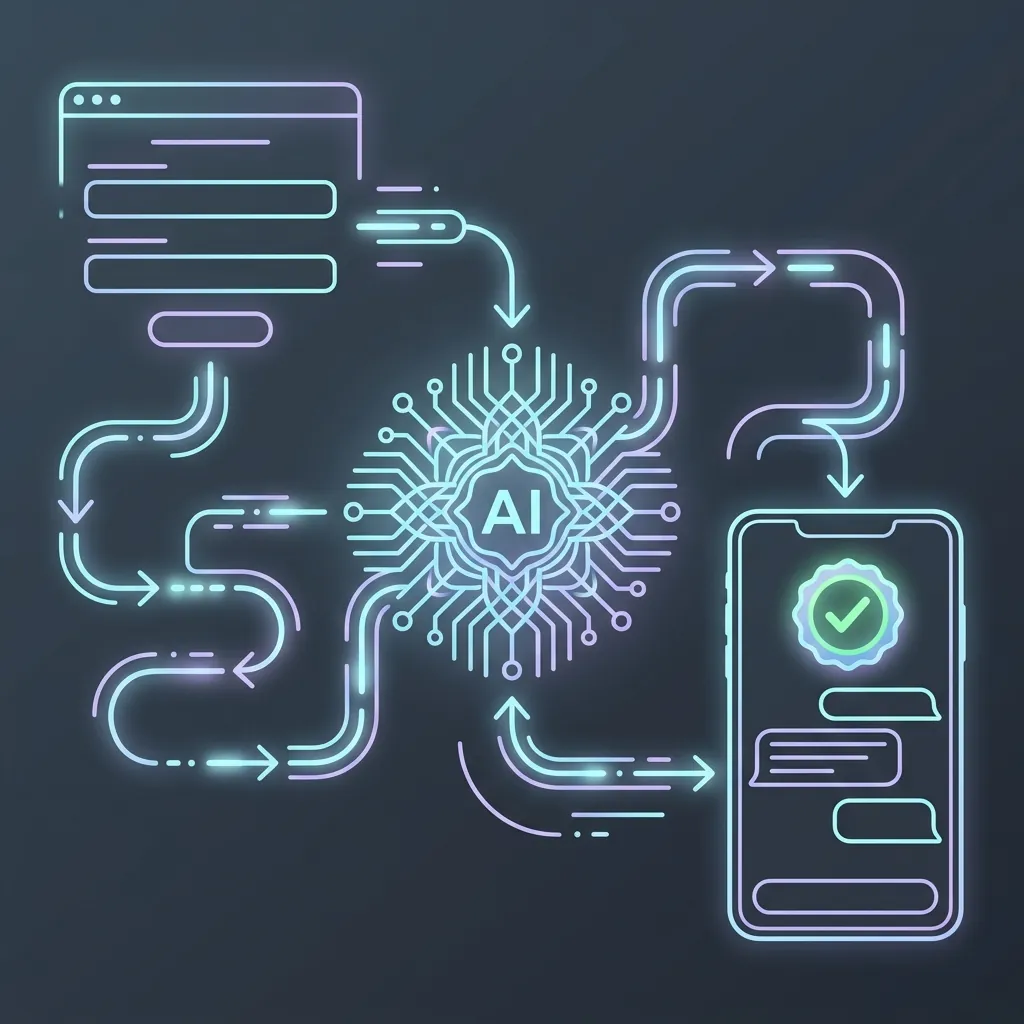
In this architecture, when a customer submits an online form, the backend triggers an outbound WhatsApp notification. Rather than a static message, this notification initiates an active conversational channel managed by a Pydantic AI agent. The agent confirms the delivery address, validates items, coordinates custom shipping notes, and flags the transaction as verified.
This tutorial details building a complete **Form-to-WhatsApp E-commerce Verification Hub** using Pydantic AI, Gemini, FastAPI, and a shadcn-styled frontend form.
---
## Architectural Data Flow
Here is how data flows securely across web forms, transaction databases, and conversational channels:
```
[ Web Order Form ] --- 1. Submits Order ---> [ FastAPI Backend ]
|
2. Saves Order (Unverified)
3. Dispatches WhatsApp Outbound Template
|
[ Customer Phone (WhatsApp) ]
|
4. Customer Replies (Inbound)
|
[ FastAPI Webhook ]
|
[ Pydantic AI Agent ]
| |
[ Tool: get_order_details ] [ Tool: verify_booking ]
```
---
## Step 1: Defining State & Verification Schemas
We will construct schemas representing the web submission and the active state of verification.
Create `app/verify_schemas.py`:
```python
from pydantic import BaseModel, Field
from typing import List, Optional
from datetime import datetime
class WebOrderSubmission(BaseModel):
customer_name: str = Field(..., description="Full name of the purchasing customer")
phone_number: str = Field(..., description="Phone number formatted with country code (e.g. +123456789)")
shipping_address: str = Field(..., description="Physical delivery address for shipping")
product_sku: str = Field(..., description="Stock keeping unit of the purchased item")
quantity: int = Field(default=1, description="Quantity purchased")
order_total: float = Field(..., description="Gross payment amount")
class OrderVerificationState(BaseModel):
order_id: str = Field(..., description="Unique generated transaction identifier")
customer_name: str = Field(..., description="Name associated with the order")
phone_number: str = Field(..., description="Target contact number")
shipping_address: str = Field(..., description="Address to confirm")
product_sku: str = Field(..., description="Product SKU")
quantity: int = Field(..., description="Quantity purchased")
order_total: float = Field(..., description="Order cost")
is_verified: bool = Field(False, description="Verification status flag")
custom_delivery_notes: Optional[str] = Field(None, description="Special instructions captured by VLM")
verification_timestamp: Optional[datetime] = Field(None, description="Time stamp of successful confirmation")
```
---
## Step 2: Implementing Pydantic AI Verification Agent
The verification agent uses custom tools to search the transaction database and update the state when the customer confirms details.
Create `app/verify_agent.py`:
```python
import uuid
from dataclasses import dataclass
from datetime import datetime
from typing import List, Dict, Optional
from pydantic_ai import Agent, RunContext
from app.verify_schemas import OrderVerificationState, WebOrderSubmission
# Persistent Database Emulator
VERIFICATION_DB: Dict[str, OrderVerificationState] = {}
@dataclass
class VerificationDeps:
"""Agent dependencies holding transaction reference databases."""
db: Dict[str, OrderVerificationState]
active_phone: str
# Initialize Pydantic AI Verification Agent
verification_agent = Agent(
model="google-gla:gemini-2.5-flash",
deps_type=VerificationDeps,
system_prompt=(
"You are an automated e-commerce transaction auditor at Rogue Shop. "
"Your task is to coordinate with the customer on WhatsApp to verify their recent web order. "
"Strictly adhere to the following workflow:\n"
"1. Retrieve the patient/customer order details using their phone number.\n"
"2. Present the shipping address and purchased item, then ask them to confirm if it is correct.\n"
"3. If they require changes to the shipping address, update the address in the database.\n"
"4. Ask if they have any specific delivery instructions (e.g., 'Leave at front gate').\n"
"5. Once they confirm, trigger the verification tool and send a clean confirmation message.\n"
"Always be polite, direct, and conversational."
)
)
@verification_agent.tool
def get_order_details(ctx: RunContext[VerificationDeps]) -> Optional[OrderVerificationState]:
"""Retrieve the pending, unverified order details associated with the customer's phone number."""
# Find matching pending order in database
for order in ctx.deps.db.values():
if order.phone_number == ctx.deps.active_phone and not order.is_verified:
return order
return None
@verification_agent.tool
def update_shipping_address(ctx: RunContext[VerificationDeps], new_address: str) -> str:
"""Updates the physical shipping address associated with the order if requested by the customer."""
for order in ctx.deps.db.values():
if order.phone_number == ctx.deps.active_phone and not order.is_verified:
order.shipping_address = new_address
return f"Shipping address successfully updated to: {new_address}"
return "No active pending order found to update."
@verification_agent.tool
def verify_booking(
ctx: RunContext[VerificationDeps],
delivery_notes: Optional[str] = None
) -> str:
"""
Flags the pending order as verified and confirmed in the database.
Captures any special delivery instructions.
"""
for order in ctx.deps.db.values():
if order.phone_number == ctx.deps.active_phone and not order.is_verified:
order.is_verified = True
order.custom_delivery_notes = delivery_notes
order.verification_timestamp = datetime.utcnow()
return f"Order {order.order_id} has been verified and released to shipping."
return "Verification failed. No pending matching order found."
```
---
## Step 3: Structuring the FastAPI Outbound & Webhook Pipelines
We will implement two essential routes in our FastAPI backend:
1. **`/api/orders/submit`:** Accepts form payloads, registers the pending transaction, and simulates sending an outbound WhatsApp message.
2. **`/webhooks/whatsapp`:** Receives the customer's WhatsApp response, restores their database context, and executes the Pydantic AI agent loop.
Create `app/verify_main.py`:
```python
import os
import uuid
from fastapi import FastAPI, HTTPException, Request, Response
from fastapi.middleware.cors import CORSMiddleware
from fastapi.staticfiles import StaticFiles
from fastapi.responses import FileResponse
from pydantic import BaseModel
from typing import List, Dict, Any
from app.verify_schemas import WebOrderSubmission, OrderVerificationState
from app.verify_agent import verification_agent, VerificationDeps, VERIFICATION_DB
app = FastAPI(
title="Form-to-WhatsApp Verification Engine",
version="1.0.0"
)
app.add_middleware(
CORSMiddleware,
allow_origins=["*"],
allow_credentials=True,
allow_methods=["*"],
allow_headers=["*"]
)
class InboundMessagePayload(BaseModel):
phone_number: str
message_text: str
@app.post("/api/orders/submit")
async def submit_order_form(submission: WebOrderSubmission):
"""
Receives e-commerce checkout form submissions.
Saves unverified order record, then simulates outbound WhatsApp dispatch.
"""
try:
order_id = f"RQ-{uuid.uuid4().hex[:6].upper()}"
# Save unverified transaction to database
new_order = OrderVerificationState(
order_id=order_id,
customer_name=submission.customer_name,
phone_number=submission.phone_number,
shipping_address=submission.shipping_address,
product_sku=submission.product_sku,
quantity=submission.quantity,
order_total=submission.order_total
)
VERIFICATION_DB[order_id] = new_order
# Outbound notification trigger
# In production, dispatch Meta WhatsApp Template:
# requests.post("https://graph.facebook.com/v18.0/me/messages", json={...})
outbound_alert = (
f"Hi {submission.customer_name}, thank you for your order at Rogue Shop!\n"
f"Please reply to this message to verify your delivery address: {submission.shipping_address}."
)
return {
"status": "pending_verification",
"order_id": order_id,
"simulated_whatsapp_outbound": outbound_alert
}
except Exception as e:
raise HTTPException(status_code=500, detail=str(e))
@app.post("/webhooks/whatsapp")
async def handle_whatsapp_inbound(payload: InboundMessagePayload):
"""
Receives incoming WhatsApp conversational message replies.
Restores contextual database loops and updates state.
"""
try:
# Load agent context
deps = VerificationDeps(
db=VERIFICATION_DB,
active_phone=payload.phone_number
)
# Run agent loop asynchronously
result = await verification_agent.run(
payload.message_text,
deps=deps
)
# Retrieve current state of all database records
db_dump = [order.model_dump() for order in VERIFICATION_DB.values()]
return {
"phone_number": payload.phone_number,
"agent_reply": result.data,
"verification_database": db_dump
}
except Exception as e:
raise HTTPException(status_code=500, detail=f"Webhook execution failure: {str(e)}")
@app.get("/api/orders", response_model=List[OrderVerificationState])
async def get_all_orders():
"""Retrieve catalog of all orders to verify state updates."""
return list(VERIFICATION_DB.values())
# Mount client pages
app.mount("/static", StaticFiles(directory="app/static"), name="static")
@app.get("/")
async def read_root():
return FileResponse("app/static/form.html")
```
---
## Step 4: Outbound Order Form & Registry Dashboard
Let us build a unified shadcn-styled web interface containing both the client checkout form and an active database registry dashboard to track verification status updates in real-time.
Create `app/static/form.html`:
```html
Rogue Shop — Checkout Verification
Rogue Shop
Checkout Verification Hub
Webhooks Live
Secure E-commerce Checkout
WhatsApp Live Verification SimulatorOutbound / Inbound Sandbox
No active outbound verified chat started. Submit the e-commerce form above to trigger the hook loop.
Real-time Transaction Registry
Database currently empty. Register checkout orders to populate dashboard.